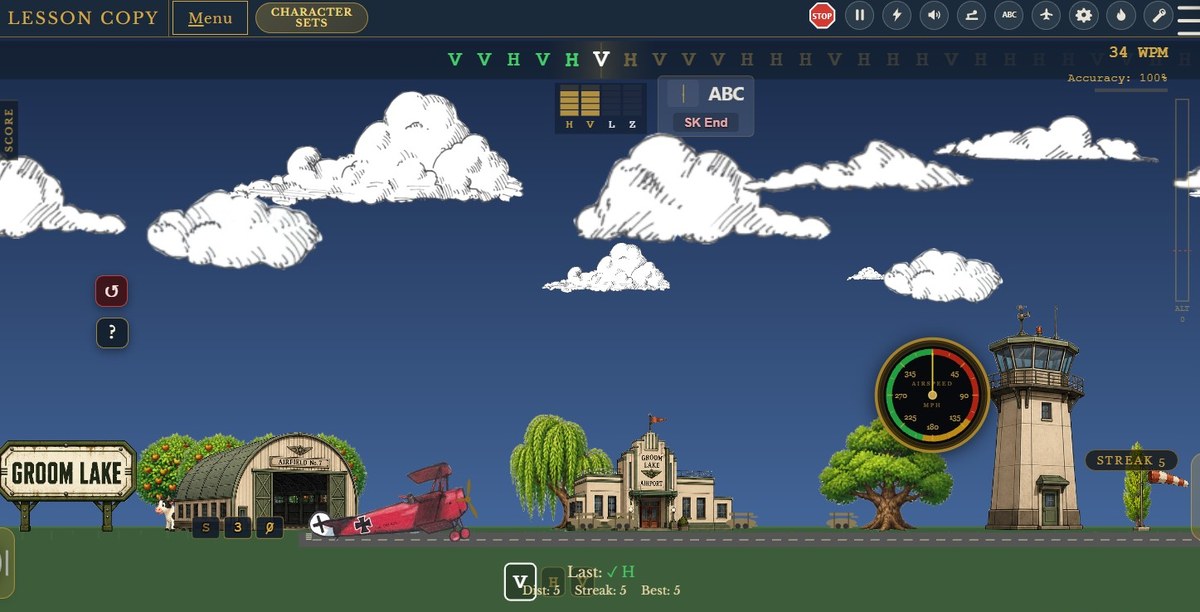
What is Morse Flyer?
Morse Flyer is a free to play, browser-based trainer for learning Morse code by ear. It runs on a simple idea: a Morse character is a sound, not a picture. Most beginners learn a chart of dots and dashes, then spend years unlearning the habit of translating images to sound or sound to images in their head. Morse Flyer never shows you that chart. You hear a character, you answer it, and the sound becomes the thing you recognize.
Ears first, deliberately
Everything visible in the app follows that rule. Characters are named by their letter and heard as tone patterns — short tones and long tones — and nowhere does the interface offer a written pattern to memorize instead. What you cannot look up, you learn to hear. Processing what you hear is much faster than visualizing and processing what you hear.
Copying comes first
Copying — hearing Morse and knowing what it says — is the place to begin. Morse Flyer's copy modes take you from single characters to words, callsigns and full contest exchanges. You are free to progress at your own rate. Initially, unmastered characters are displayed as hint, and with mastery they will stop being displayed. If you fall back and have trouble, they will again be displayed as a hint. Hear it, see it, type it initially moves on to hear it and type it.
Sending is treated seriously
Sending is a different skill, and most trainers barely teach it at all. Morse Flyer treats it as first-class once you are ready for it: it listens to your keying, judges your timing against the character you were asked to send, and gives the feedback immediately, while the rhythm is still in your hands. A clean fist comes from repetition with honest correction, and that is what the keying modes are for — after the sounds already mean something to you. As with copy mode, hints are initially provided. Until a level of mastery, you will hear it, key it, and then you will see it on the ribbon at the top. Later it moves on to just see it and key it.
Real keys, if you have one
You can key with the keyboard, and maybe some do, but if you own a straight key or paddles, Morse Flyer will work with that — connected through a supported interface, with a calibration flow. Sidetone accuracy has been prioritized over just about anything else in this application. To connect a real key, I've configured this to use either a serial adapter, or a vband adapter. The game is also able to work with a game pad and touch screen devices. This will work on IOS devices in touch screen mode if configured as a straight key. With IOS it doesn't work well with a touch screen paddle configuration. If there are any other types of supported devices that I should integrate, let me know through the feedback options.
Why the flight theme?
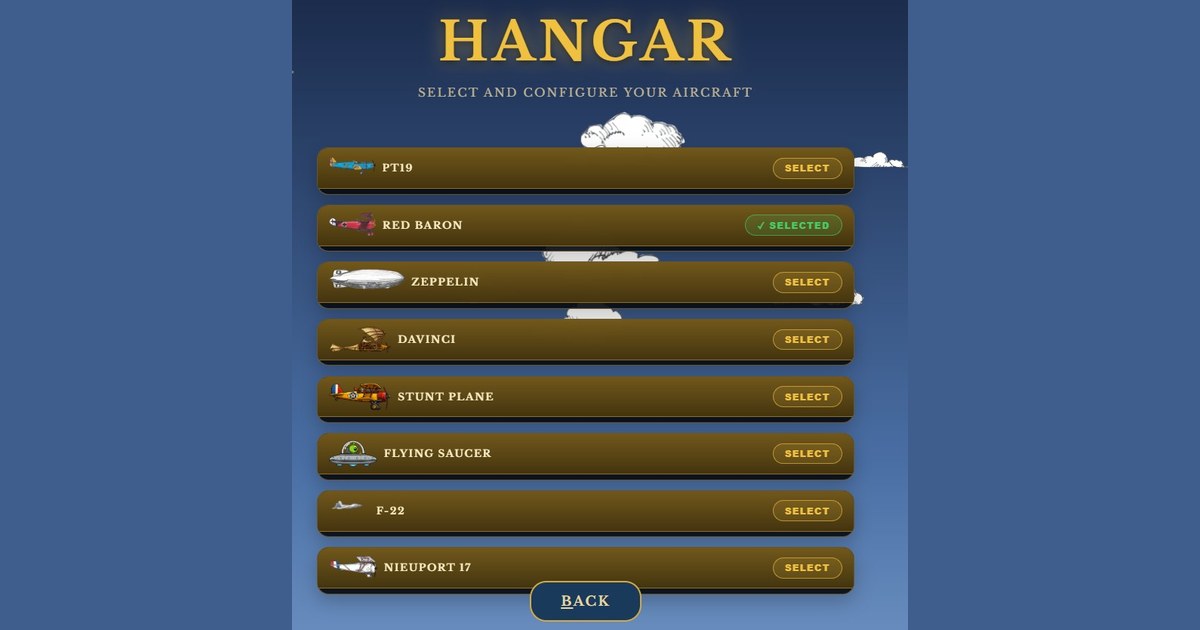
Because drills are dull. The training sits inside a 1930s air-racing world of biplanes, timed flights and contest pileups. You are not doing exercise seventeen of forty; you are keeping your aircraft aloft for as long and as far as you can while working stations, copying, or keying characters. Maybe flying a UFO while abducting cows, sheep, or people. It is definitely out of its time, but the F22 is too awesome to let the era get in the way.
Free to Play
This runs in your browser, requires no account or personal information, and installs nothing. It is in active beta and improving weekly.