Getting started
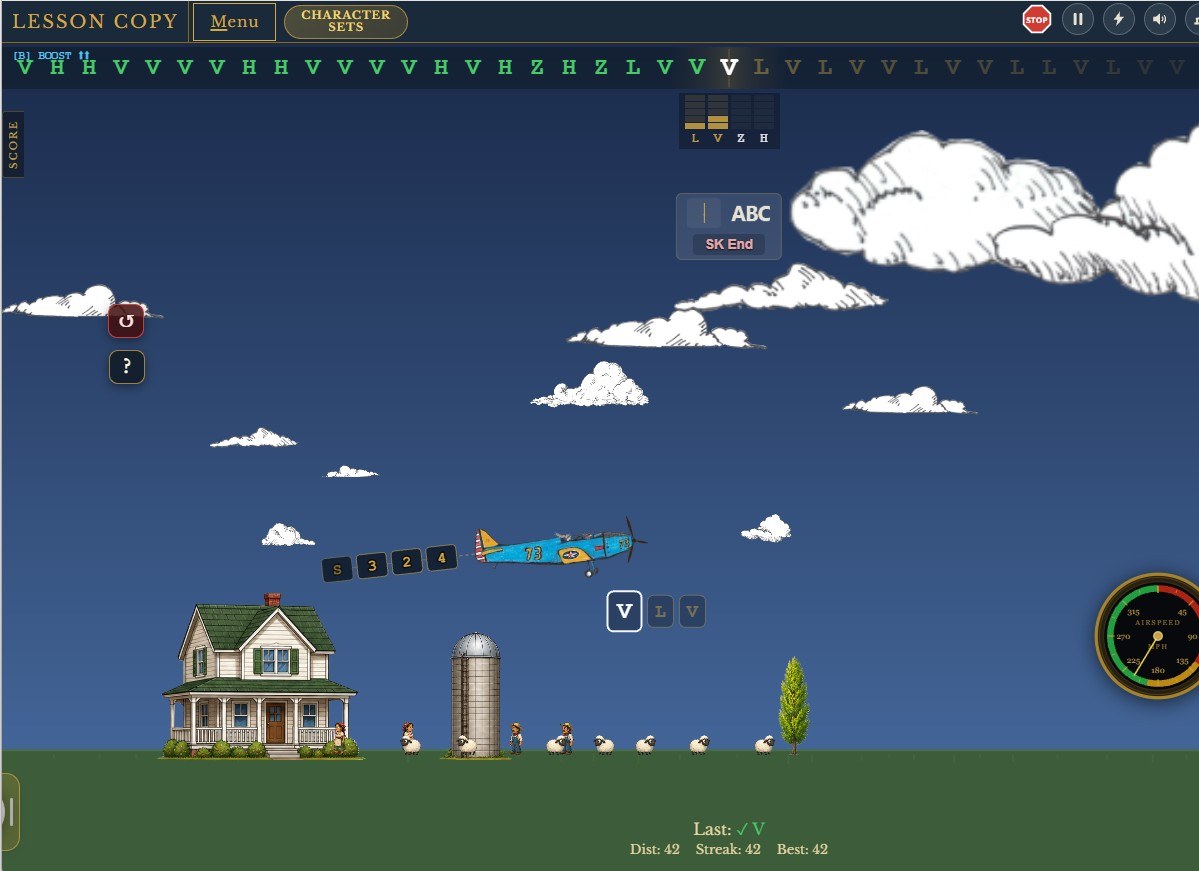
You need a browser and headphones. That is the whole list. Open Morse Flyer and you can be copying or sending inside a minute.
Start by copying, not sending
Begin with a Copy mode. Sending is easier to learn once the sounds already mean something to you, and it is hard to judge your own sending when you cannot yet hear what good sending is like.
So your first session is Copy Lesson. The lesson follows a progression with groups of characters that start from simple tone patterns and progress toward letters with more complex tone patterns. You are free to select the character group or groups with which you want to work, and can reset a specific group so that you can give just that group another run through.
What to expect early on
You might initially find yourself counting the tones to figure out and identify the character you are hearing. I recommend resisting that temptation and just hear the whole tone group to get the character. None of us think about how the words we speak are spelled while we are talking.
Don't look at dot-dash notation charts. If you learn it that way, you will never be fast. Looking it up gives you a picture to translate, and translating is the habit that caps people at ten words per minute for years. Be patient and stay with the audio only. Before you know it, you will be thinking -- that is too slow, and you will ramp up the speed. Eventually you will be copying faster than you thought that you ever could.
Then add sending
Once a handful of characters are solid by ear, start sending them. This is the natural next step rather than a separate discipline: you already know what the character should sound like, so you have something to aim at and something to judge yourself against. Take a tutorial first — straight key or paddles, whichever you intend to use — and then work the same characters in Key Lesson that you have been copying.
Keeping the two roughly in step works well. Copy a little ahead, send what you have already learned to hear.
Using a real key
The keyboard works fine for learning. A real key is better once you are serious about your fist, and Morse Flyer supports straight keys and paddles through a supported interface, with a calibration flow to match the timing to your hand. If you own a key already, connect it when you start sending — the muscle memory is different enough that switching later costs you time.
Where to go next
When single characters stop being work, move to words and callsigns, then to timed flights where a clock is running. When you can copy a callsign first time, try Field Day Runner Q-signals and work some stations — copying real exchanges under pressure is where the skill becomes useful rather than theoretical. That is the point at which this stops feeling like practice.
Full mode-by-mode detail is on the training modes page.